
SEU Assignment Cover Page
Generate an SEU assignment cover page and download it as a print-ready PDF. Pick a design, type your details once, done. Free, no sign-up, no watermark.
Open the generatorDesigns for this cover page
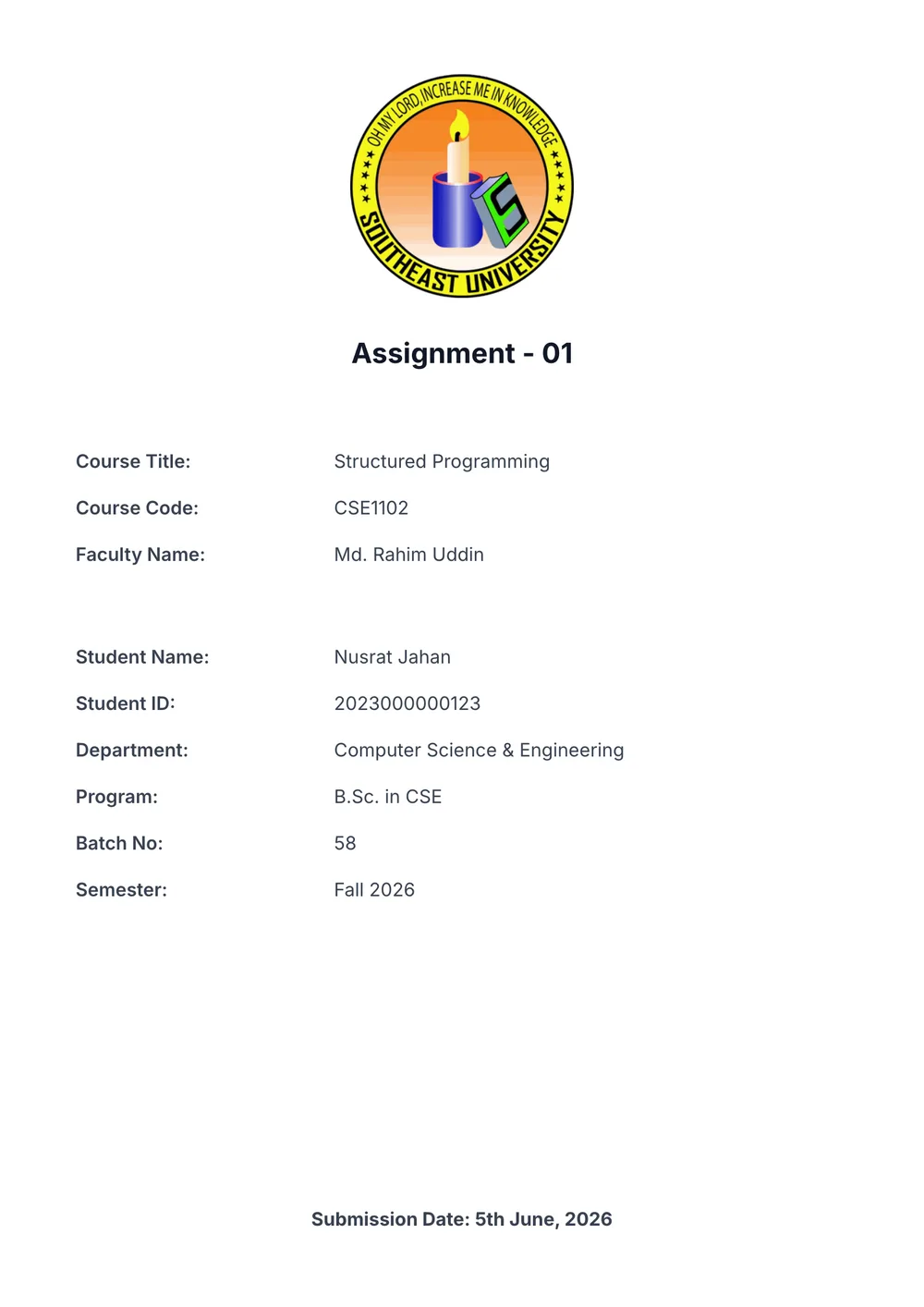
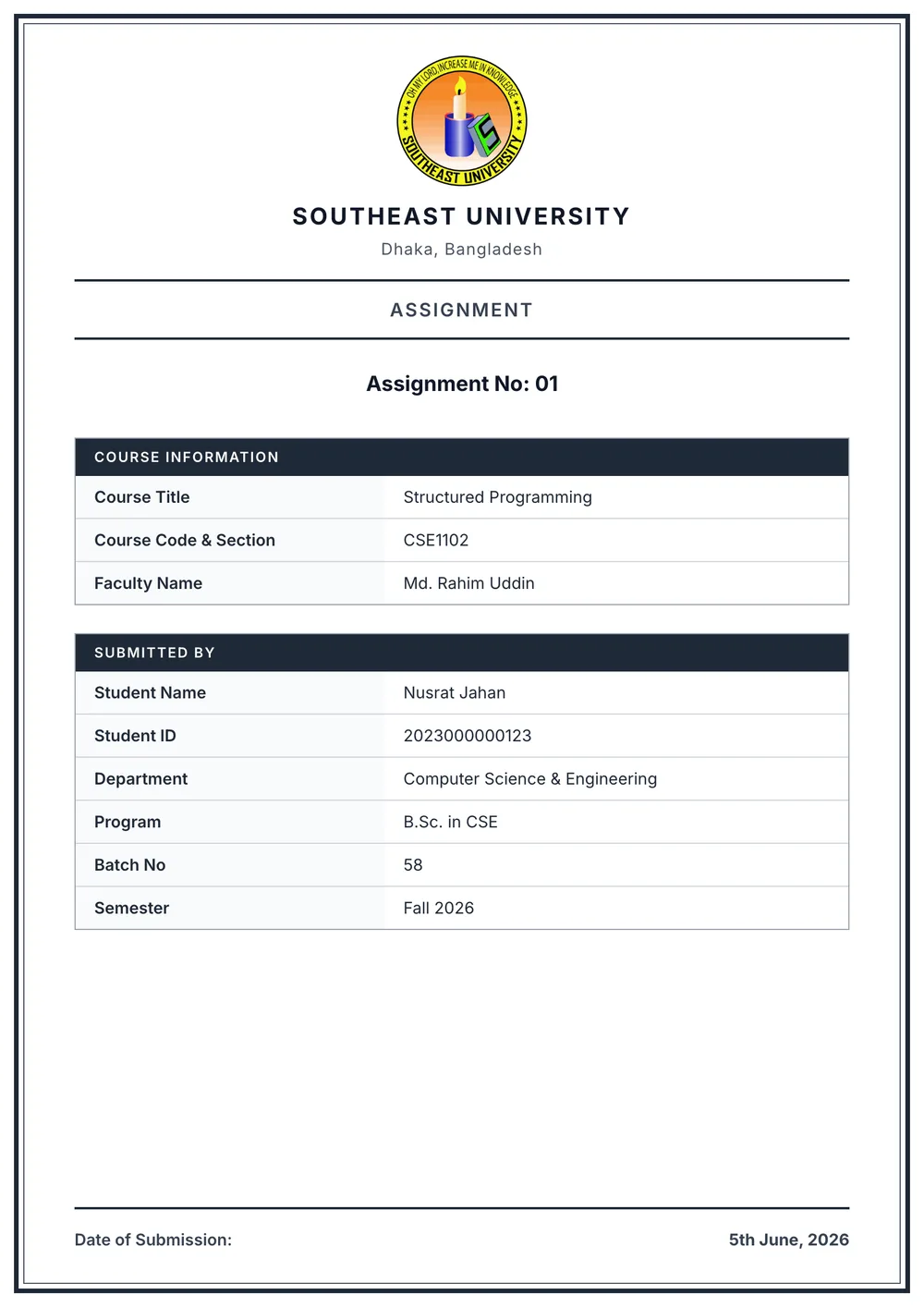
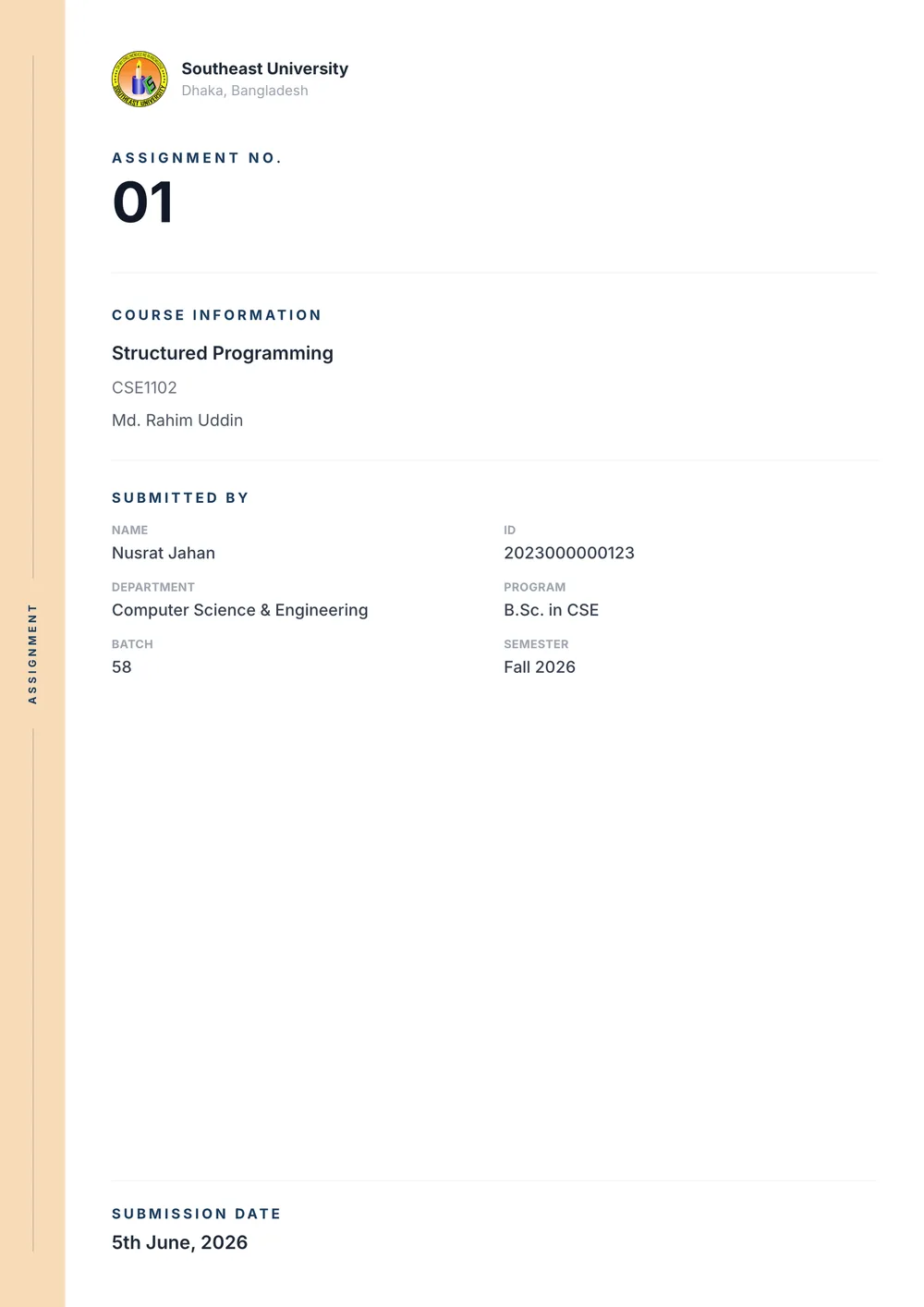
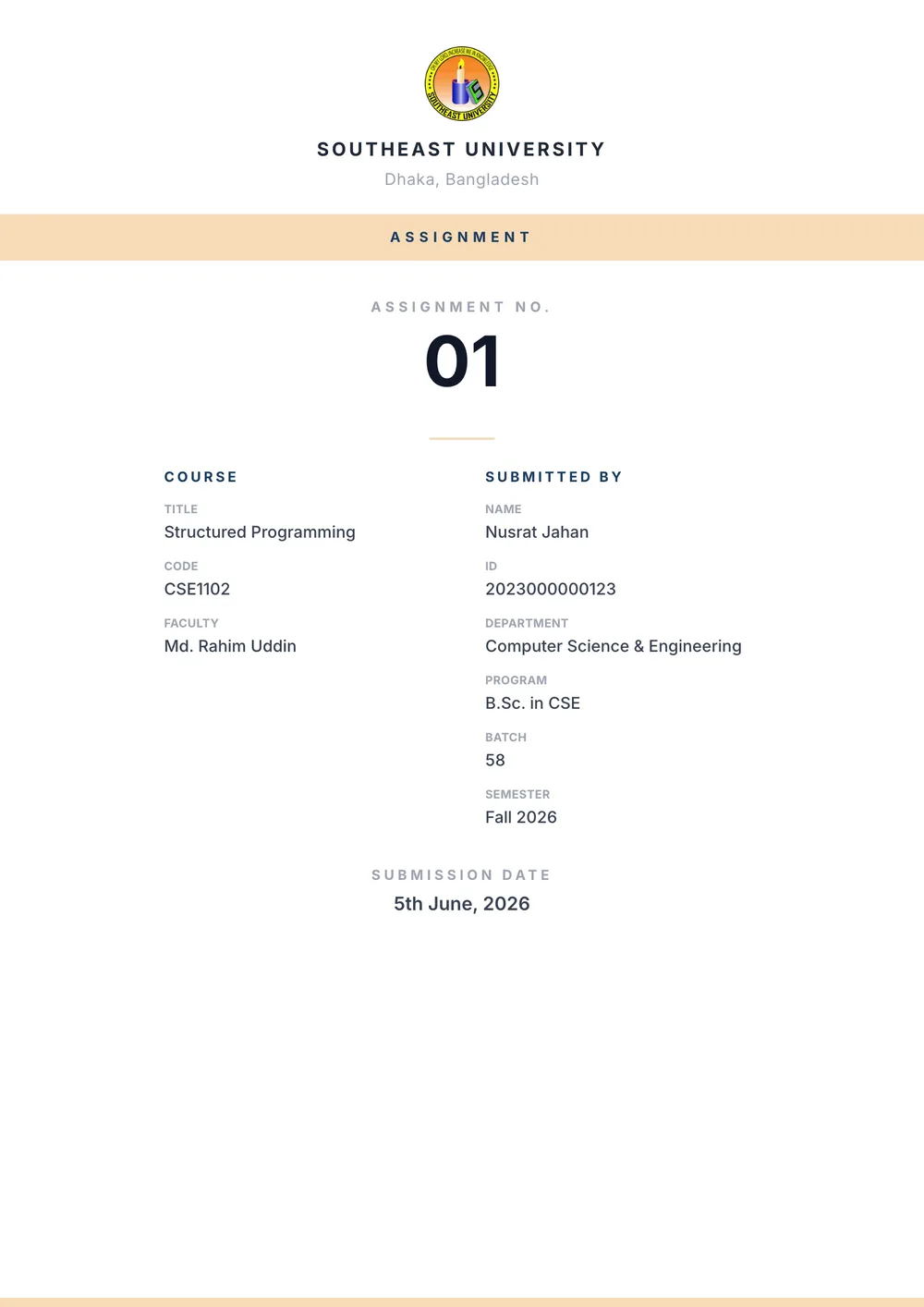
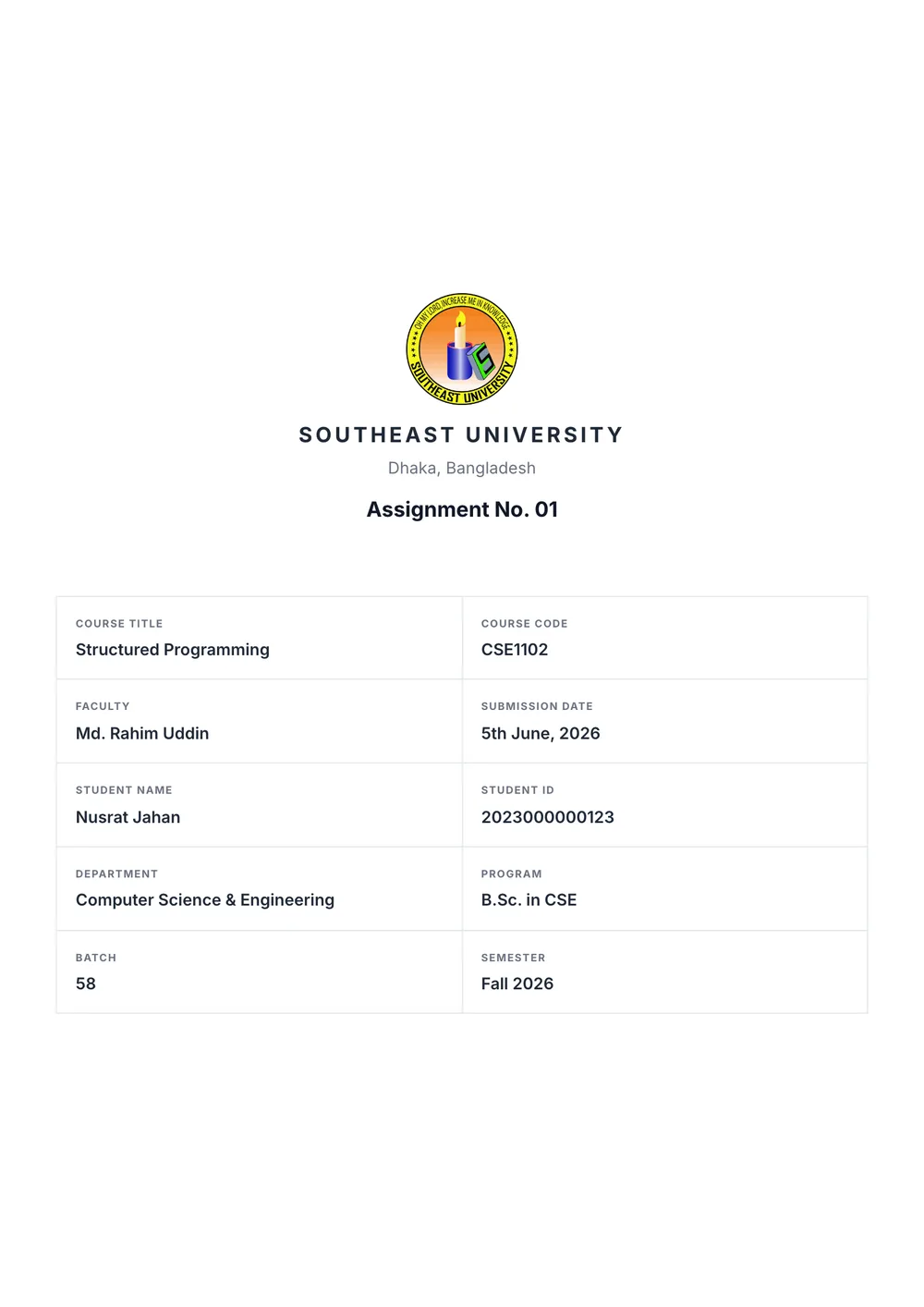
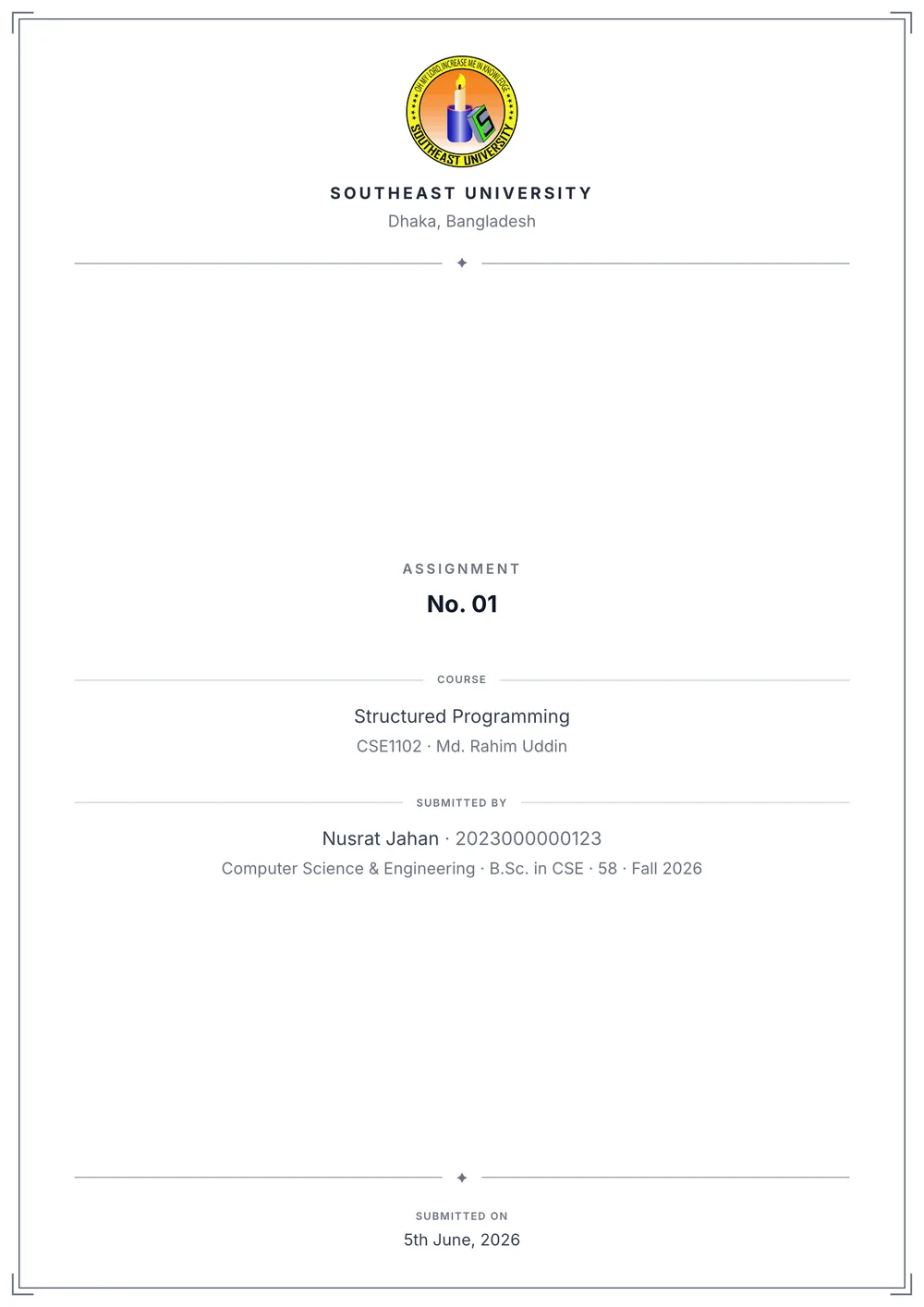
An SEU assignment cover lists the assignment number, the course title and course code (in the CSE441.4 format: department, number, section), the faculty name with their initials, and your name, student ID, department, program, batch, semester and submission date. The generator places all of it on an A4 page so the spacing lines up the same way every time.
Your details stay saved in the browser, so the next assignment only needs a new number and date. Working in a group? Turn on group mode and add every member’s name and ID.
- Free, no sign-up
- Print-ready A4 PDF
- Saved on your device
Frequently asked questions
- What information goes on an SEU assignment cover page?
- The assignment number, course title and course code, faculty name and initials, and your name, student ID, department, program, batch, semester and submission date.
- Is it free?
- Yes. No sign-up, no watermark, no limits. It runs entirely in your browser.
- Can I download it as a PDF?
- Yes, as a print-ready A4 PDF. You can also merge it with your assignment PDF before downloading.